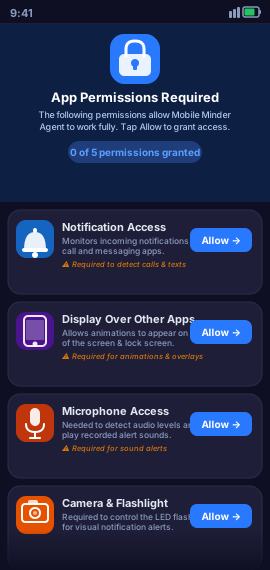
App Permissions
Grant the five required permissions — Notification Access, Display Over Other Apps, Microphone, Camera & Flashlight, and Send Notifications — so every feature works fully.
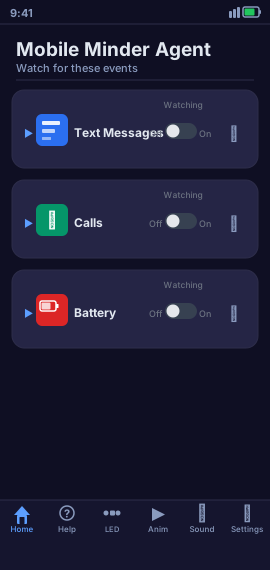
Home Dashboard
At-a-glance overview of all active alert settings for texts, calls, and battery.
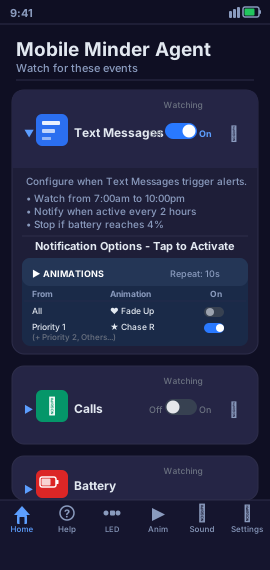
Settings Summary
Expandable accordion cards give quick access to each alert category.
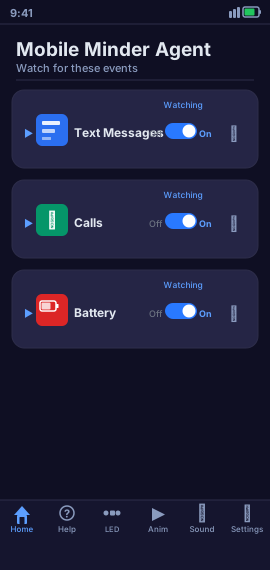
Quick Controls
Enable or disable specific watchers instantly without leaving the home screen.
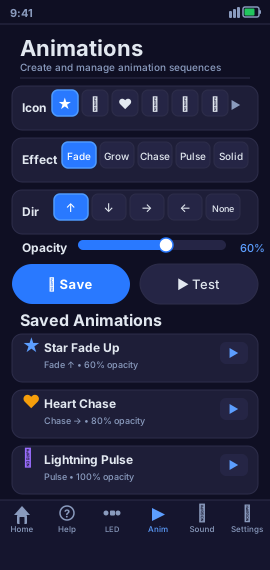
Animation Library
Browse all saved animations — system presets and your custom creations in one place.
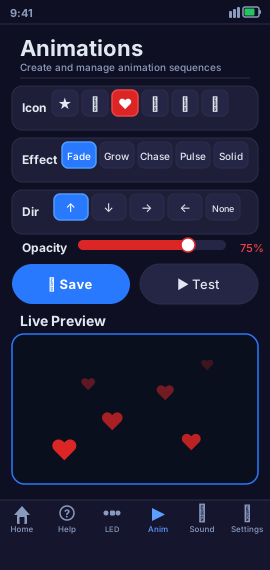
Create Animation
Pick an icon, choose an effect (Fade, Grow, Chase, Pulse, Solid), set direction and opacity.
Live Preview
Preview any animation before saving — see exactly what will appear on your screen.
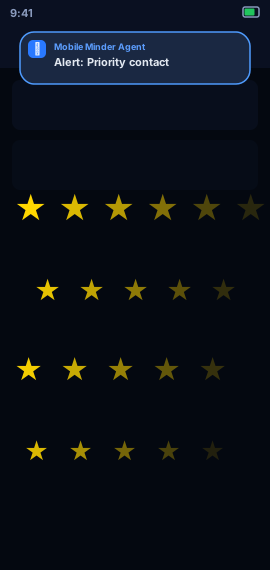
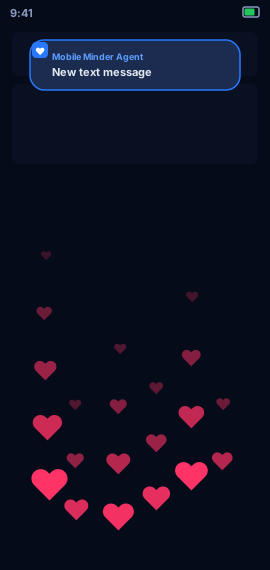
Overlay in Action
An animation overlay active during a notification — hearts fading up the screen.
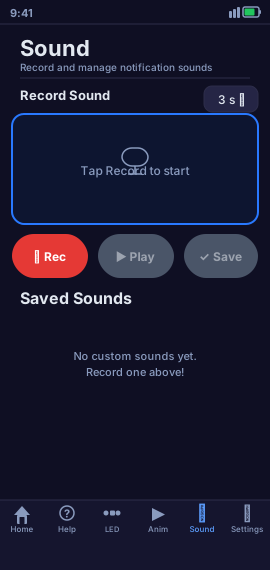
Sound Library
System sounds (Chimes, Horn, Waves) plus any custom audio files you've added.
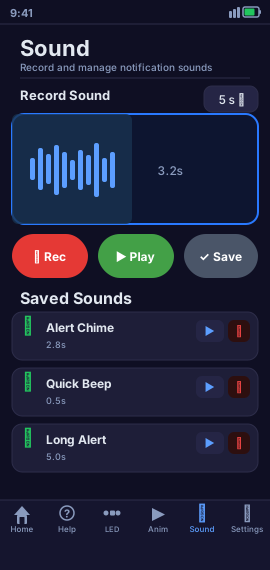
Sound Configuration
Volume, looping, and file selection all in one clean settings panel.

Tap a Pattern
Tap the screen to record a custom flash rhythm. The flashlight will replicate it exactly.
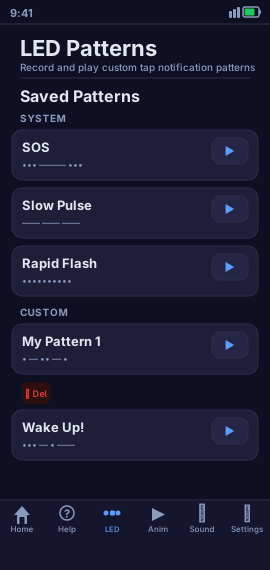
Pattern Library
Saved custom patterns alongside built-in system patterns, ready to assign to any alert.
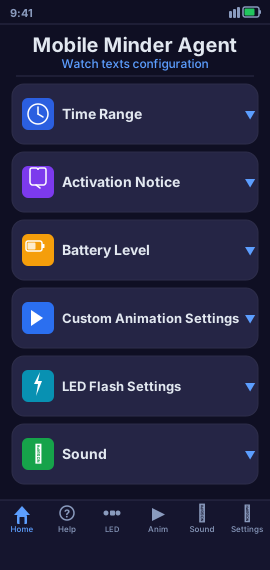
Text Message Watch
Enable SMS/MMS watching and assign default animation, sound, and flash pattern for all senders.
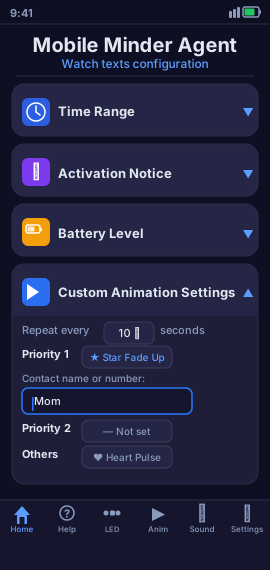
Priority 1 Setup
Assign a contact name or number to Priority 1 with its own unique animation and alert style.
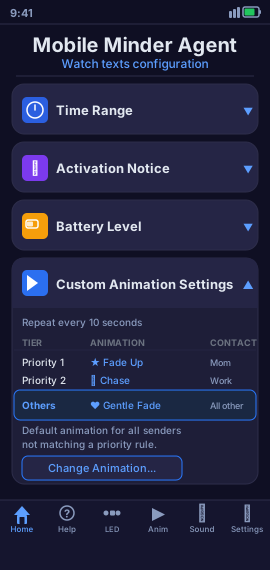
Others Category
Configure a default alert for any sender that doesn't match a priority rule.
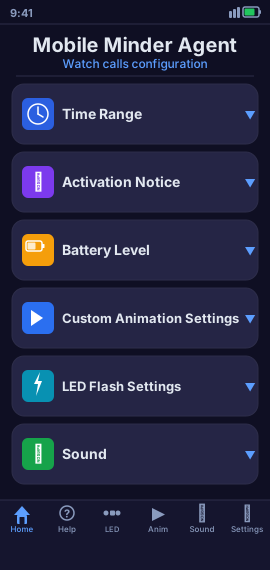
Call Watch
Mirror the same priority-rules system for incoming calls — same power, same flexibility.
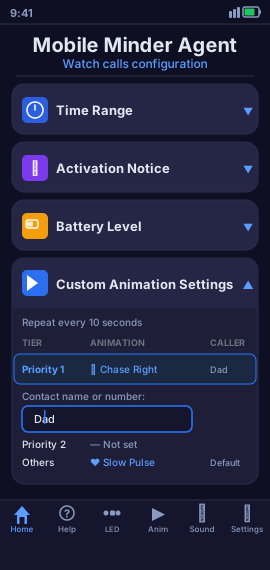
Caller Priority Rules
Set distinct alerts per priority tier so you always know who's calling before you check.
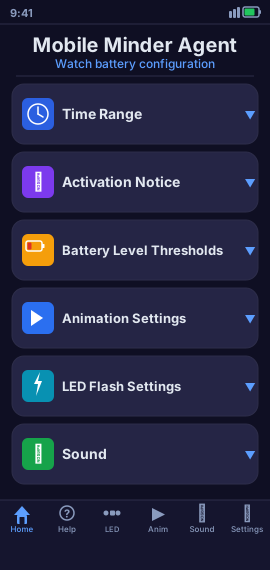
Battery Watch Setup
Set your low battery threshold and choose unique animations for low and full charge events.
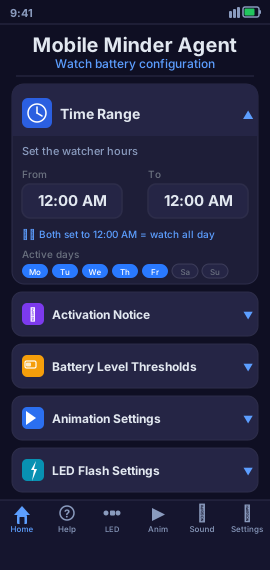
Time Range Control
Restrict battery alerts to specific hours — so overnight charging doesn't disturb your sleep.
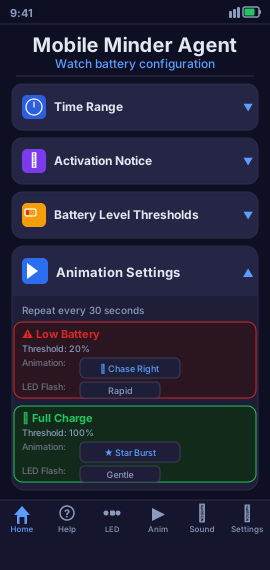
Full Charge Alert
A celebratory animation when your battery finishes charging — know when to unplug.
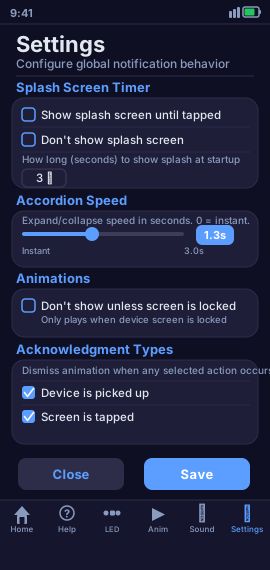
App Settings
Control splash screen timing, accordion animation speed, display rules, and how alerts are dismissed — all in one place.